How to Make a T-Shirt with Cricut Iron-On Vinyl Using a Free SVG
By Makerloom Studio ·
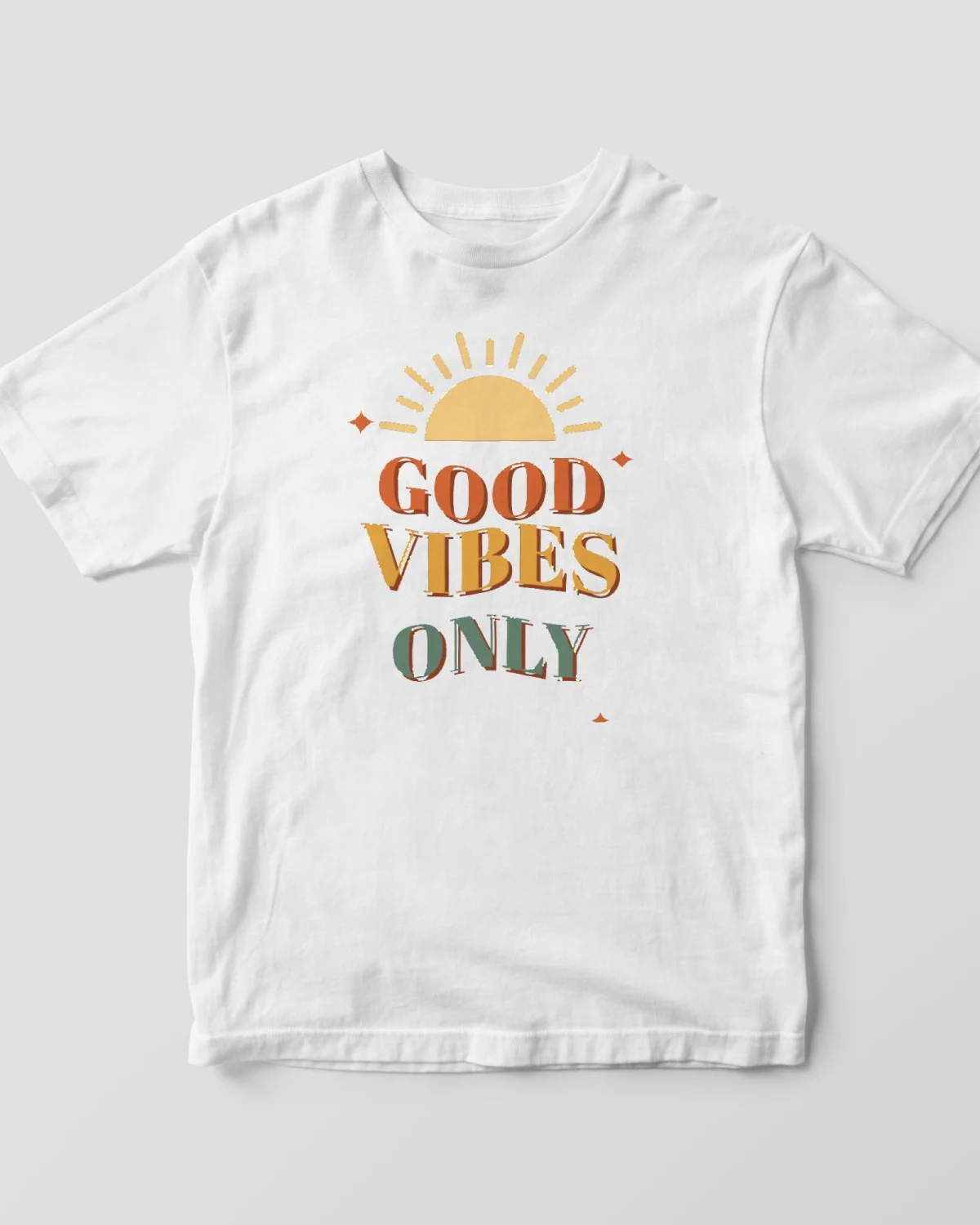
A custom shirt is one of the most satisfying Cricut projects, and it takes about 30 minutes. Here's the whole process with iron-on vinyl, also called heat transfer vinyl (HTV).
What you need
- A Cricut cutting machine and a StandardGrip mat
- Iron-on vinyl (Cricut Everyday Iron-On or similar)
- A cotton or cotton-blend T-shirt, pre-washed without fabric softener
- A heat press, Cricut EasyPress or household iron
- A weeding tool
1. Pick and size your design
Download a free design from our T-shirt designs, then upload the SVG to Design Space. Typical widths:
| Shirt | Front design width |
|---|---|
| Adult | 10 to 11 in (25 to 28 cm) |
| Youth | 7 to 9 in (18 to 23 cm) |
| Toddler | 5 to 6 in (13 to 15 cm) |
| Left-chest logo | 3 to 4 in (7.5 to 10 cm) |
Multi-color designs, like many of our retro shirt designs, cut as one layer per color. For a first shirt, a single-color design is easiest.
2. Mirror and cut
On the mat preview, turn on Mirror for every mat. Place the vinyl shiny side down on the mat, choose your iron-on material setting and cut.
3. Weed
Peel away the vinyl you don't need, leaving the design on its clear carrier sheet. Remove the insides of letters like "o" and "e" too. A light behind the sheet helps you see the cut lines.
4. Press
Preheat the shirt for a few seconds to remove moisture and wrinkles. Place the design with the clear carrier on top (it's the right way round now), and press. Use Cricut's Heat Guide for the exact time and temperature for your vinyl, fabric and press; for Everyday Iron-On on cotton with an EasyPress it's around 315°F (157°C) for about 30 seconds, then a few seconds on the back.
Peel the carrier warm or cool as your vinyl's instructions say. If an edge lifts, lay the carrier back down and press again.
5. Care
Wait 24 hours before the first wash. Turn the shirt inside out, wash cold and tumble dry low or hang dry. Don't iron directly on the design.
Troubleshooting
- Design reads backwards: Mirror was off. Unfortunately, that cut is lost; turn it on and recut.
- Vinyl won't stick: more pressure or more time, and make sure the shirt isn't polyester-heavy unless your vinyl is rated for it.
- Tiny pieces won't weed: size the design up slightly or choose a bolder design.
Browse more in T-shirt designs and Baby & Kids designs.
Free designs for this project
Good Vibes Only SVG, Retro Wavy Text Shirt Design, 70s Groovy PNG for Cricut, HTV and DTF
FreeDigital download
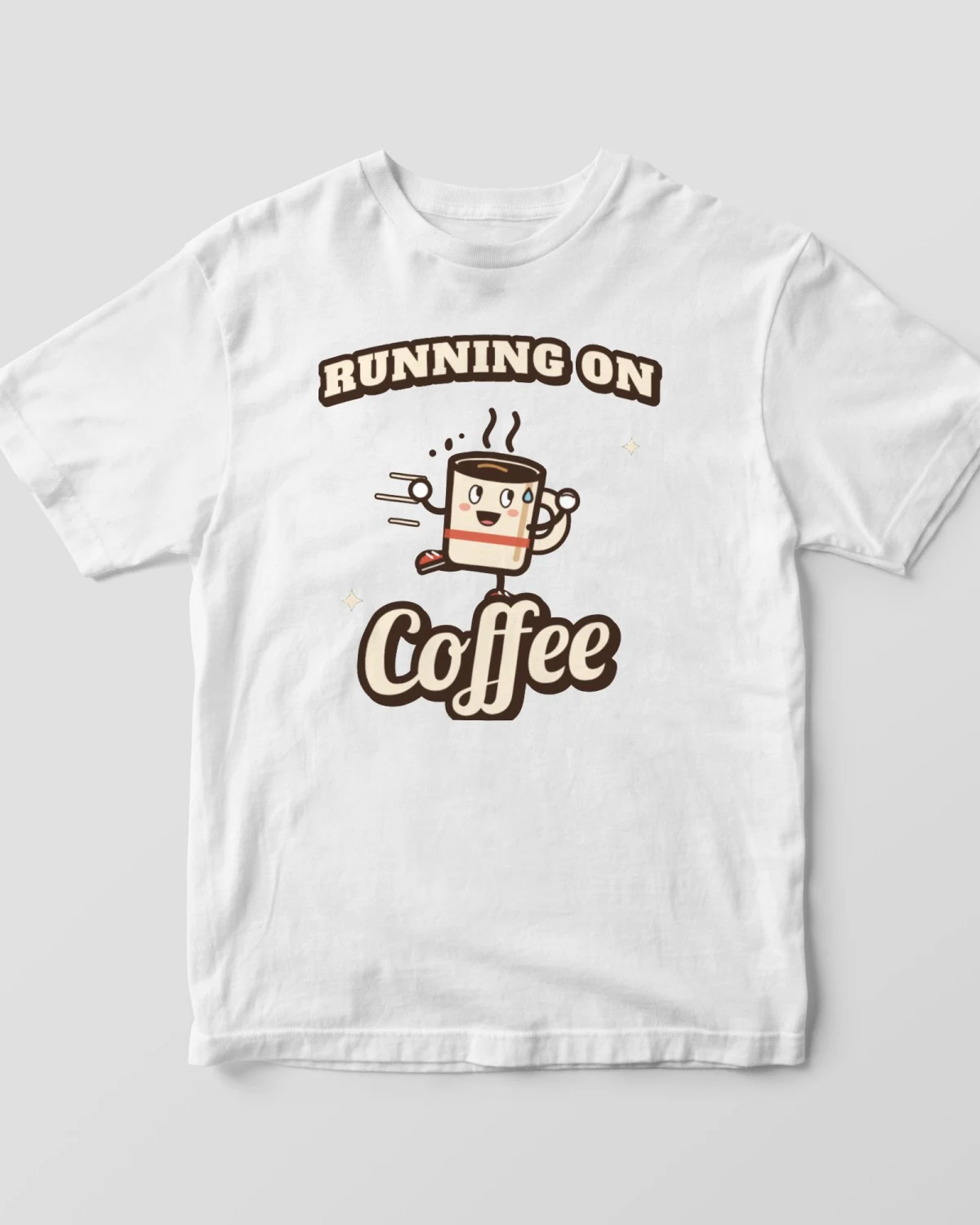
Running on Coffee SVG, Funny Coffee Shirt PNG, Retro Cartoon Coffee Cup T-Shirt Design, Coffee Lover Sublimation, Cricut SVG
FreeDigital download
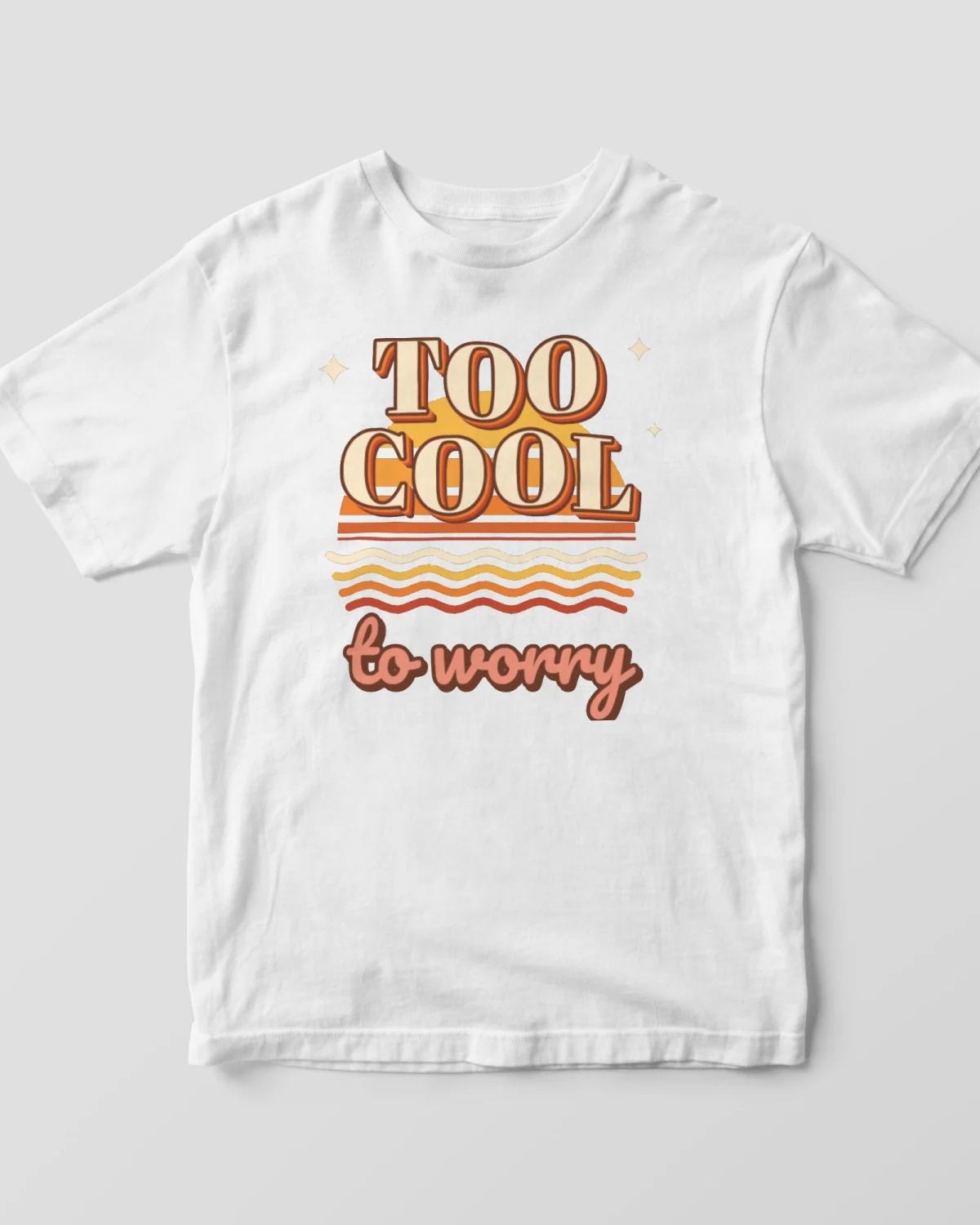
Too Cool to Worry SVG Retro Sunset Edition, 70s Sunset Shirt PNG, Groovy T-Shirt Design, Vintage Sunset Sublimation, Cricut SVG
FreeDigital download
Keep reading
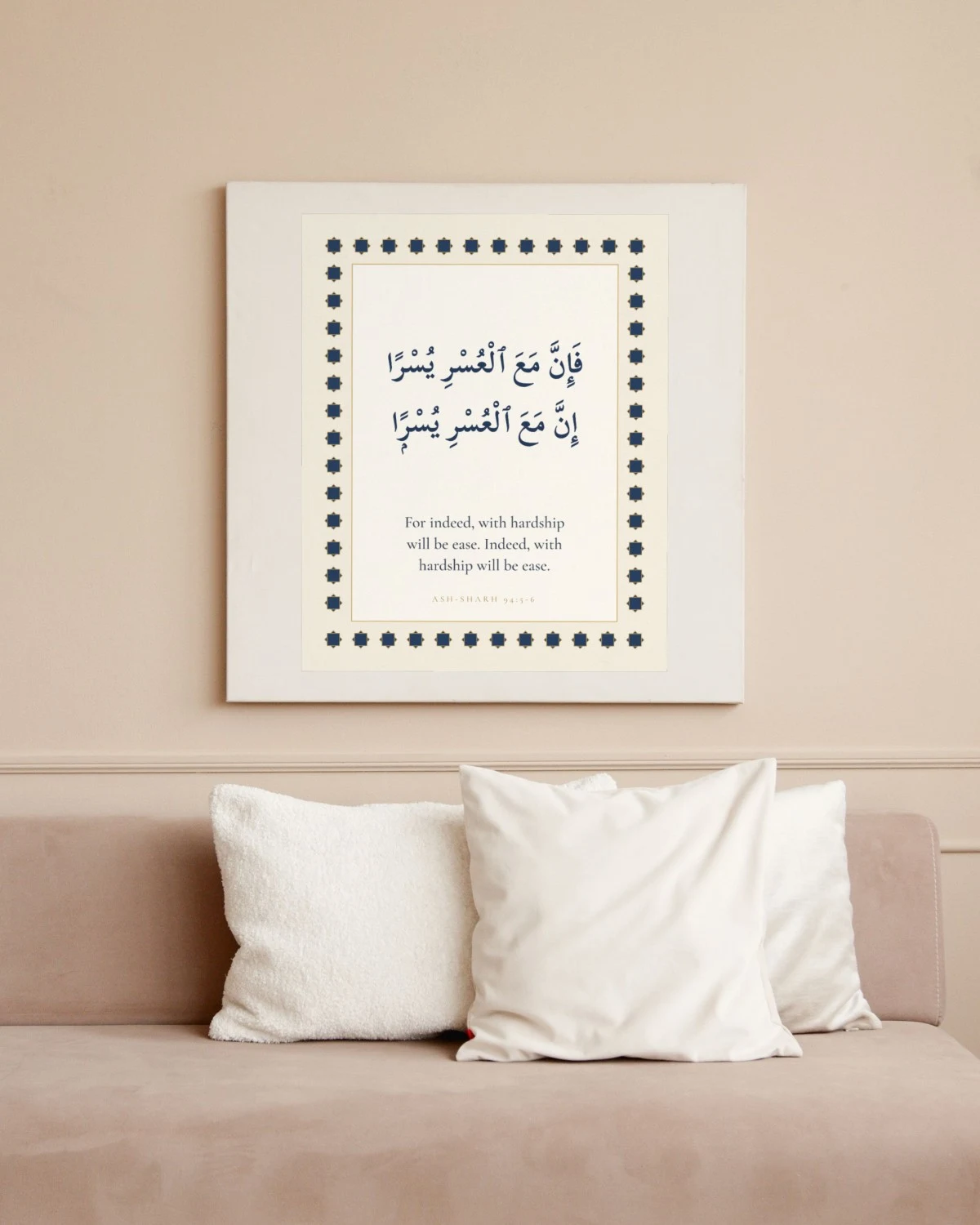
Islamic Wall Art Ideas: 12 Quran Verses for Your Home (Free Printables)
Twelve short, beloved Quran verses for the living room, bedroom, entryway and kitchen, with their English meaning and free printable wall art for each.
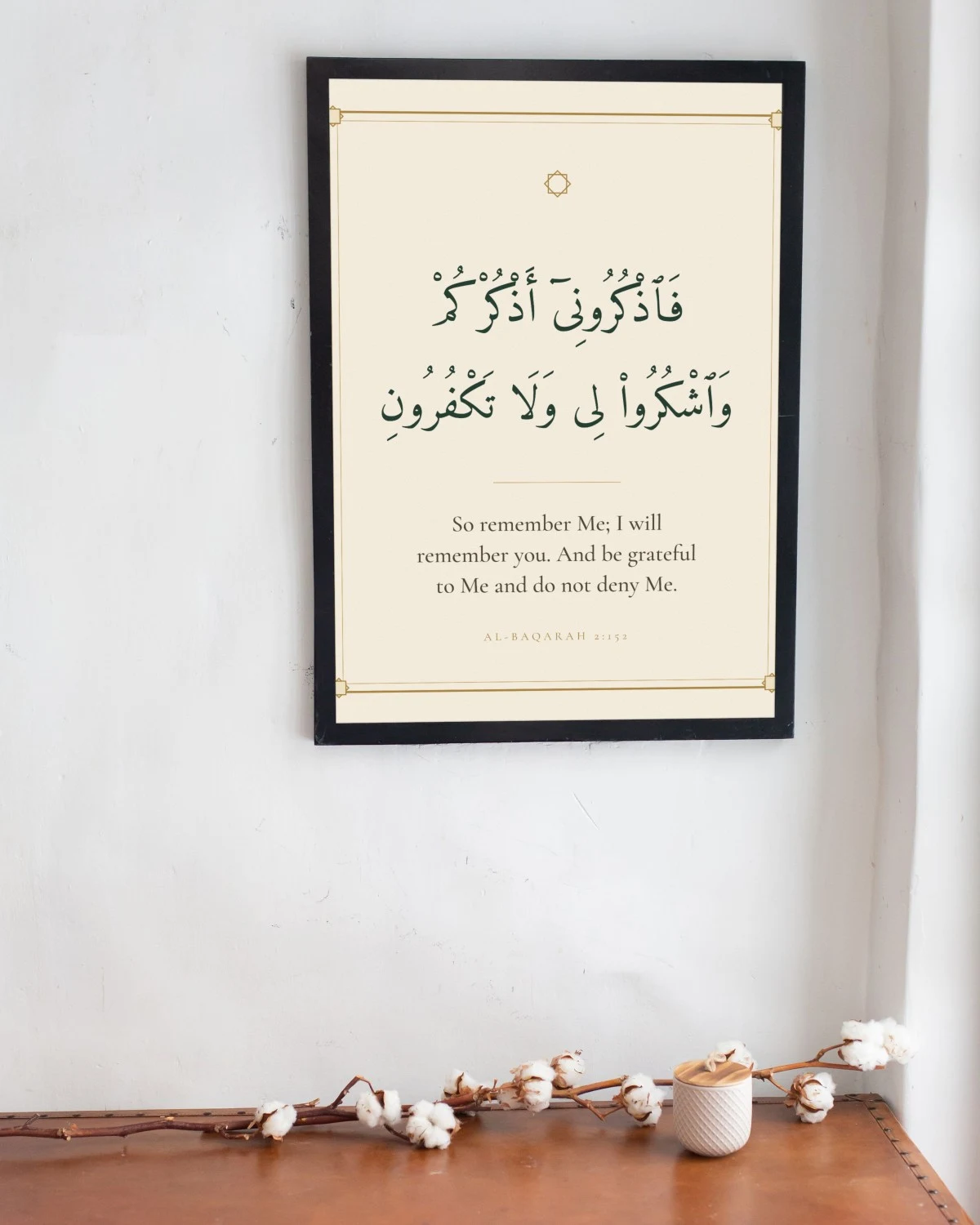
Ramadan and Eid Decor Ideas: Printable Quran Verse Art for Your Home
Simple, meaningful Ramadan and Eid decorating ideas built around framed Quran verses: a reminder wall, an iftar table, a kids corner and gifts, all with free printables.
How to Print Wall Art at Home or at a Print Shop: Paper, Settings and Sizes
Get gallery-quality prints from a free digital download: which paper to use, the printer settings that matter, and when a print shop is the better choice.